
OPENJELLYFISH ACADEMY
Your first conversation. Your own published agent.
Learn one thing at a time. Follow the product interface to connect a model, organize documents, refine your rules, and share an agent with your team or customers.
Find the lesson for what you want to do.
Follow the course in order, or go straight to the feature you need.
20 lessons found
 011:25
Getting started
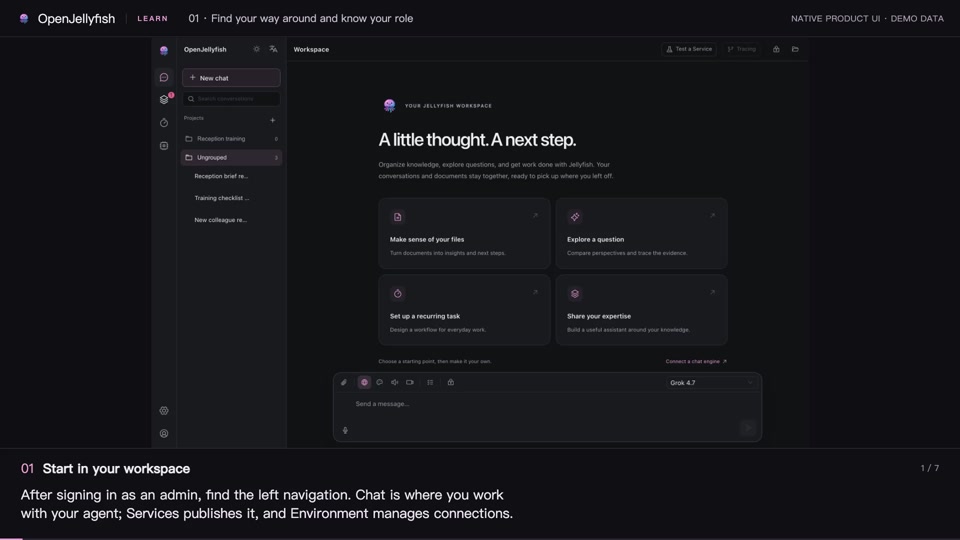
Find your way around and know your role
Locate the admin workspace, the service page, and the host console.
Watch lesson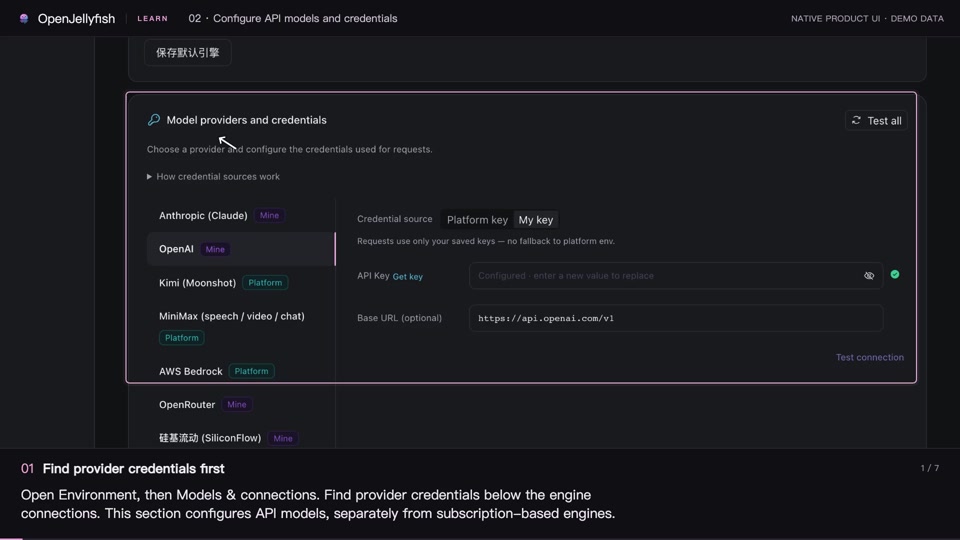 021:25
Getting started
Configure API models and credentials
Choose a credential source, save and test it, then expose the models you need.
Watch lesson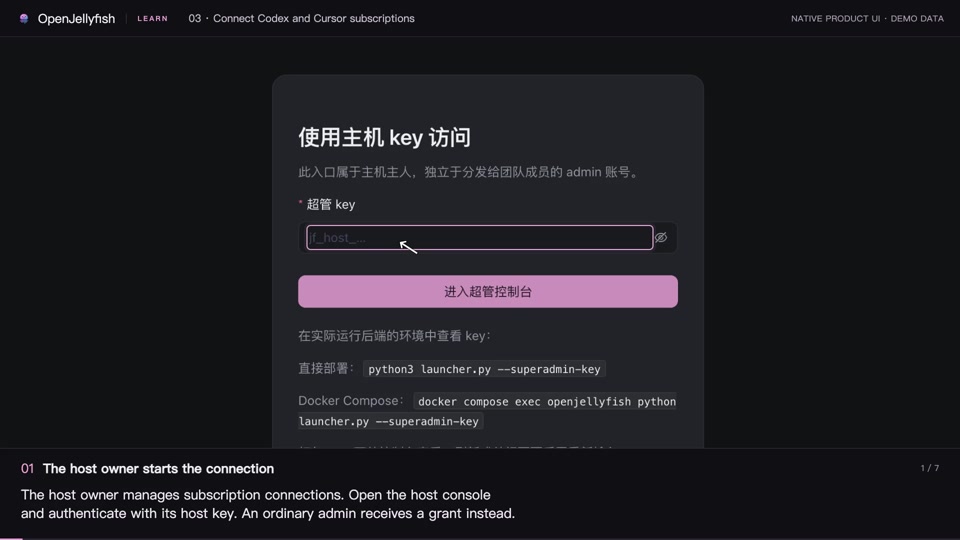 031:26
Getting started
Connect Codex and Cursor subscriptions
The host owner signs in and grants model access; admins then choose their engine.
Watch lesson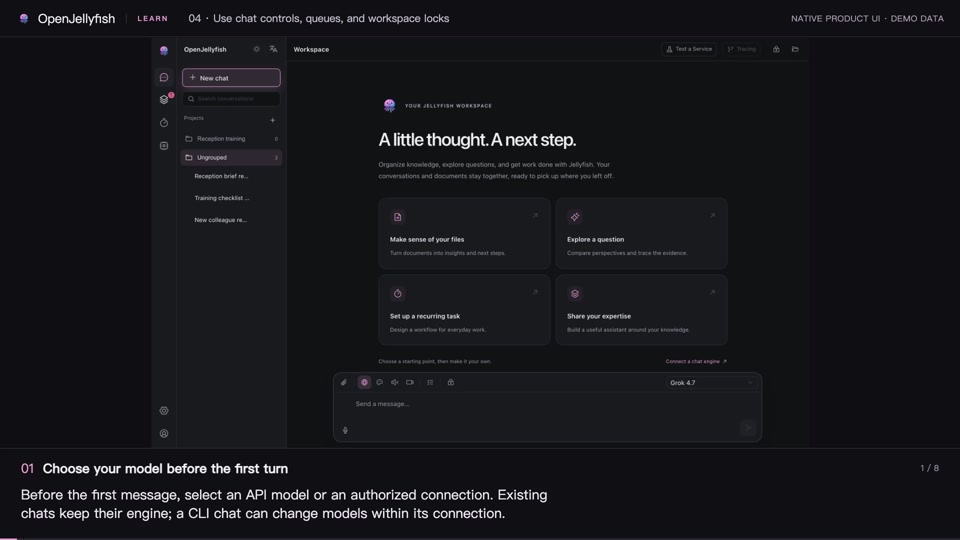 041:52
Getting started
Use chat controls, queues, and workspace locks
Use the main chat controls and handle approvals, queued messages, and concurrent file writes.
Watch lesson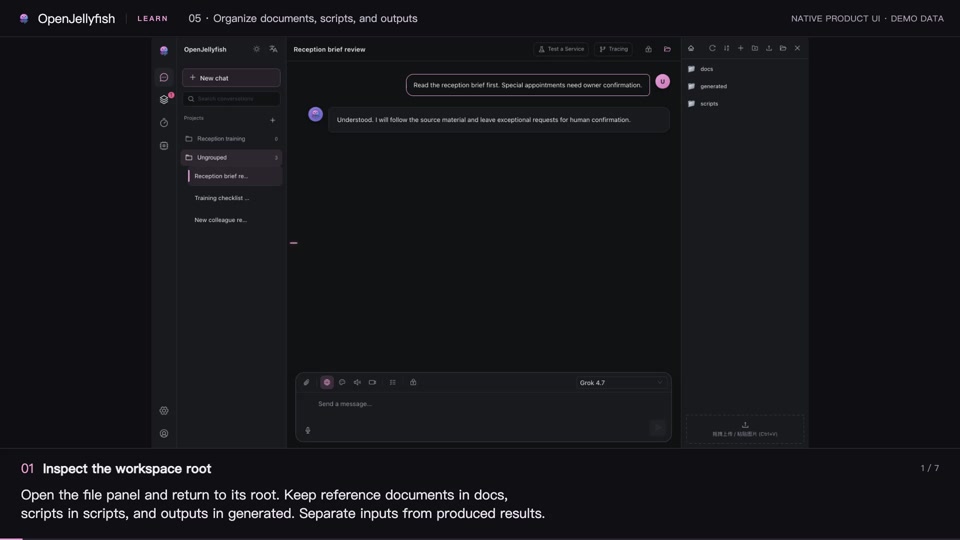 051:26
Workspace and agent behavior
Organize documents, scripts, and outputs
Give folders clear roles and understand admin, consumer, and CLI file scopes.
Watch lesson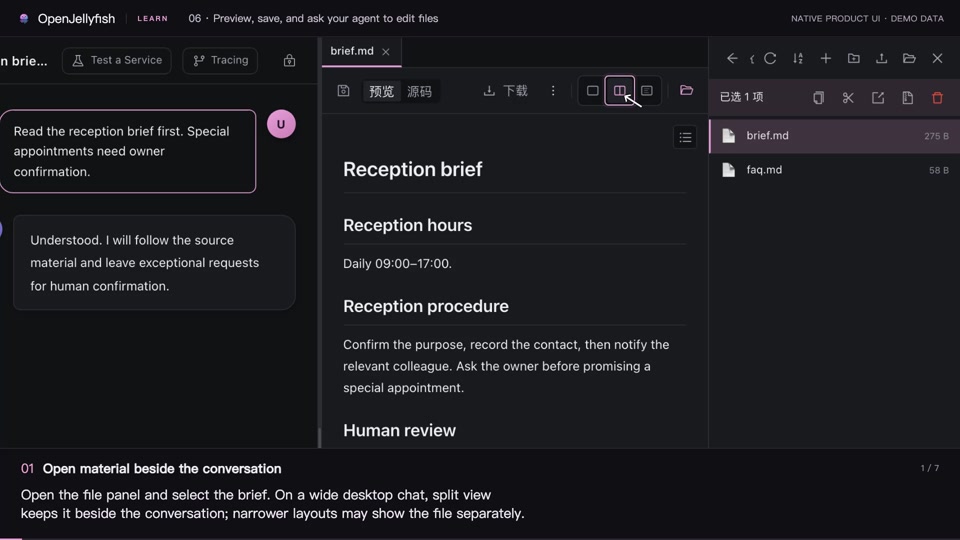 061:27
Workspace and agent behavior
Preview, save, and ask your agent to edit files
Distinguish direct edits, pending Agent changes, and completed writes, then verify the saved file.
Watch lesson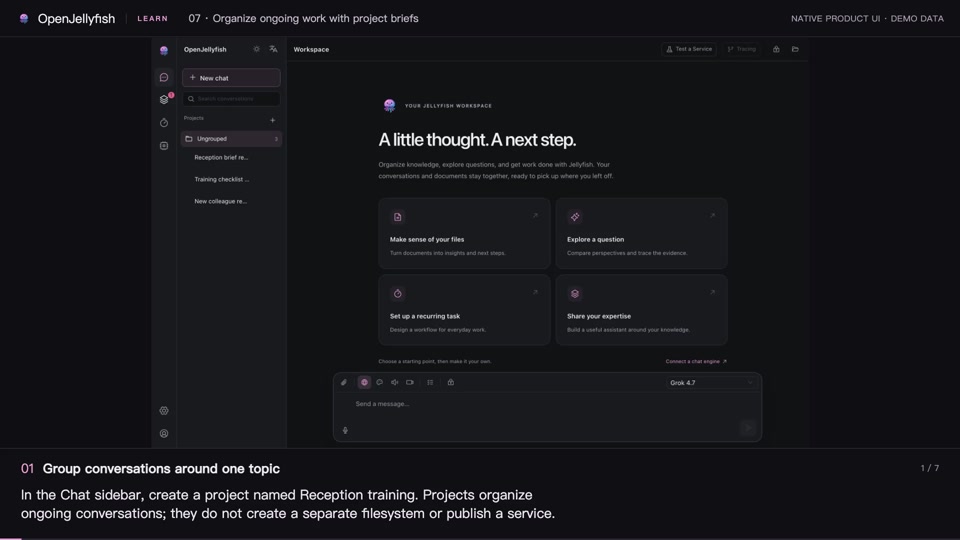 071:29
Workspace and agent behavior
Organize ongoing work with project briefs
Create a project, maintain shared context, find conversations, and understand what moving a chat changes.
Watch lesson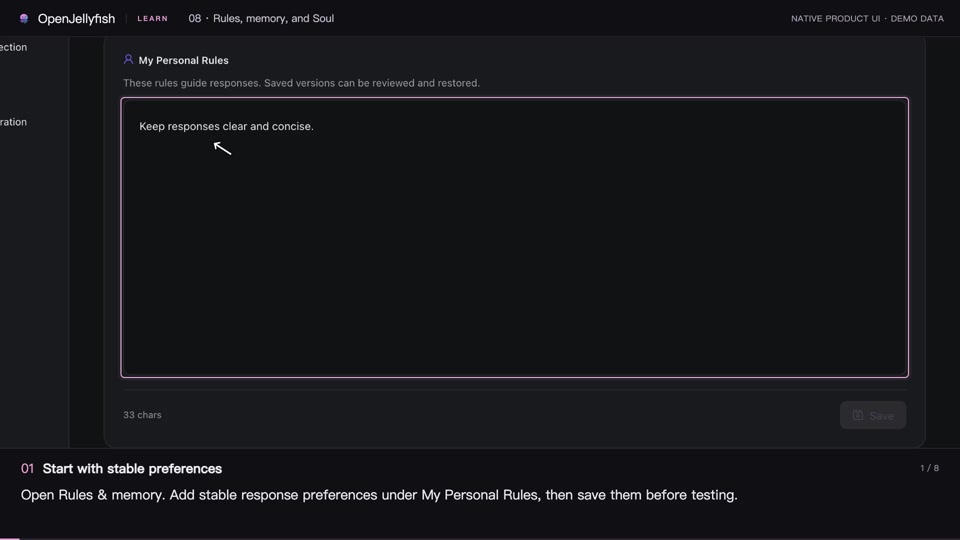 081:38
Workspace and agent behavior
Rules, memory, and Soul
Put preferences, working instructions, and history access in the right place.
Watch lesson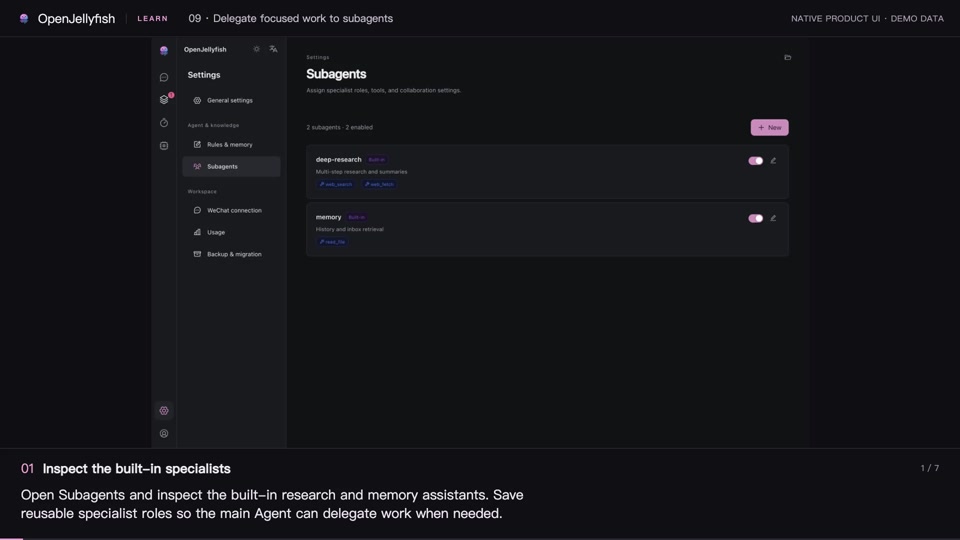 091:24
Workspace and agent behavior
Delegate focused work to subagents
Configure a focused specialist and learn when delegation helps.
Watch lesson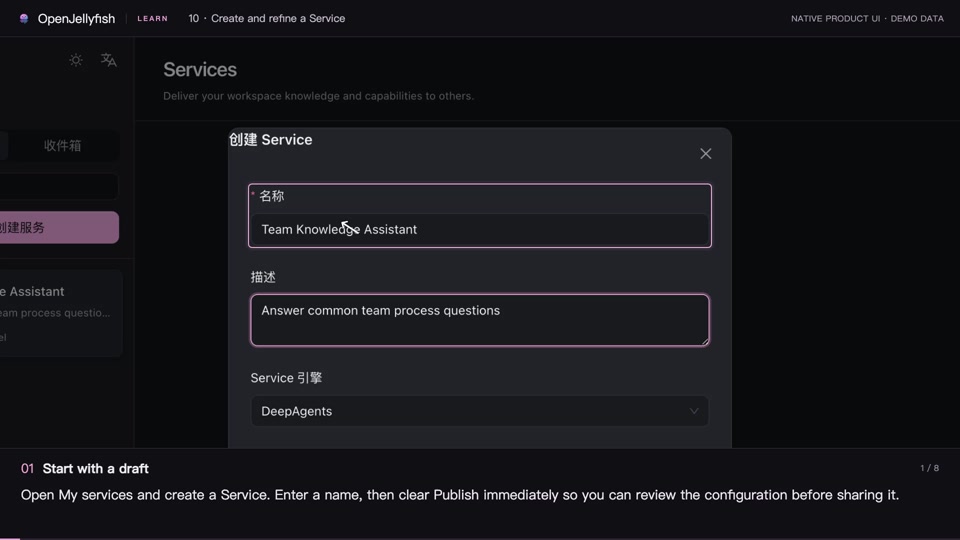 101:36
Publish and improve services
Create and refine a Service
Combine saved rules, documents, and tool permissions into a shareable Service.
Watch lesson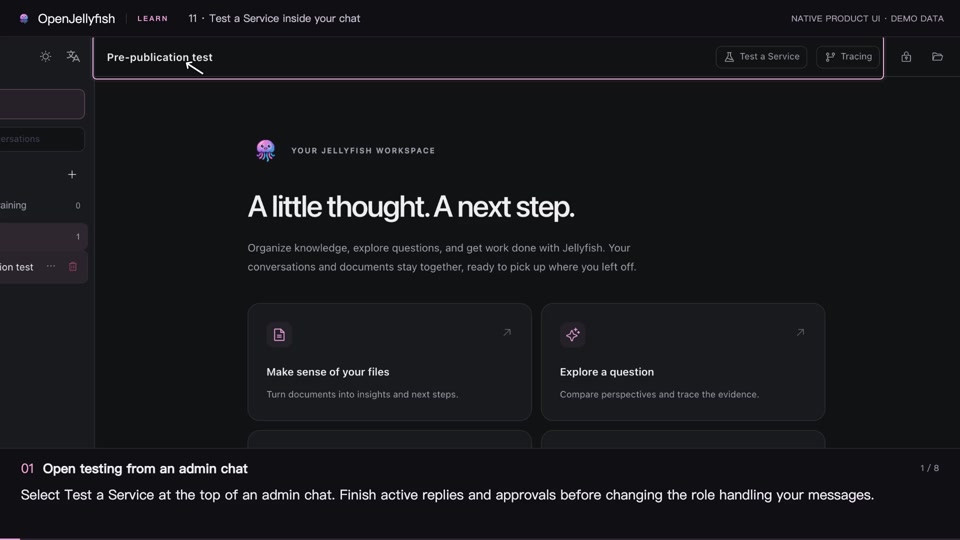 111:36
Publish and improve services
Test a Service inside your chat
Try the user experience, retain the test conversation, and return to admin review.
Watch lesson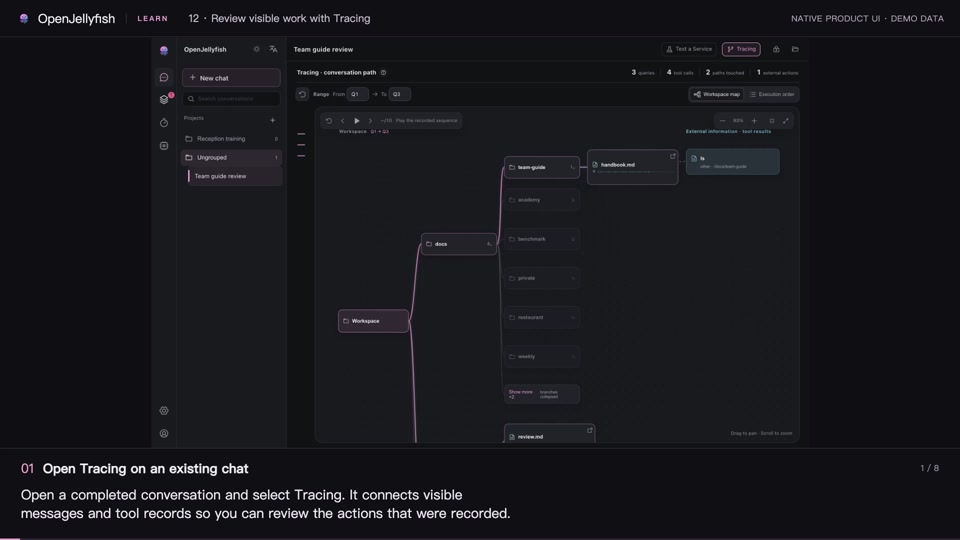 121:36
Publish and improve services
Review visible work with Tracing
Locate a query, its tools, and files while understanding the limits of playback and coverage.
Watch lesson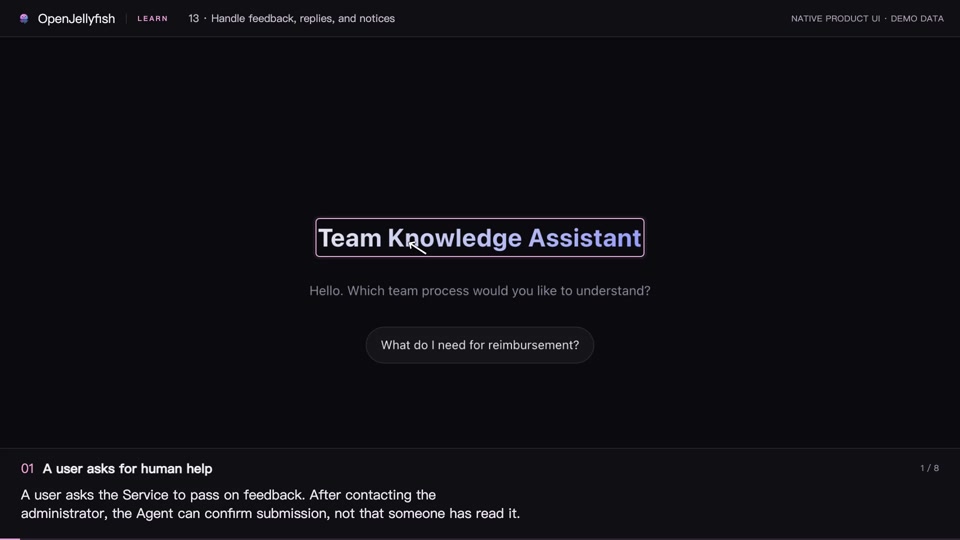 131:36
Publish and improve services
Handle feedback, replies, and notices
Read feedback in context and deliver replies and notices to the right conversations.
Watch lesson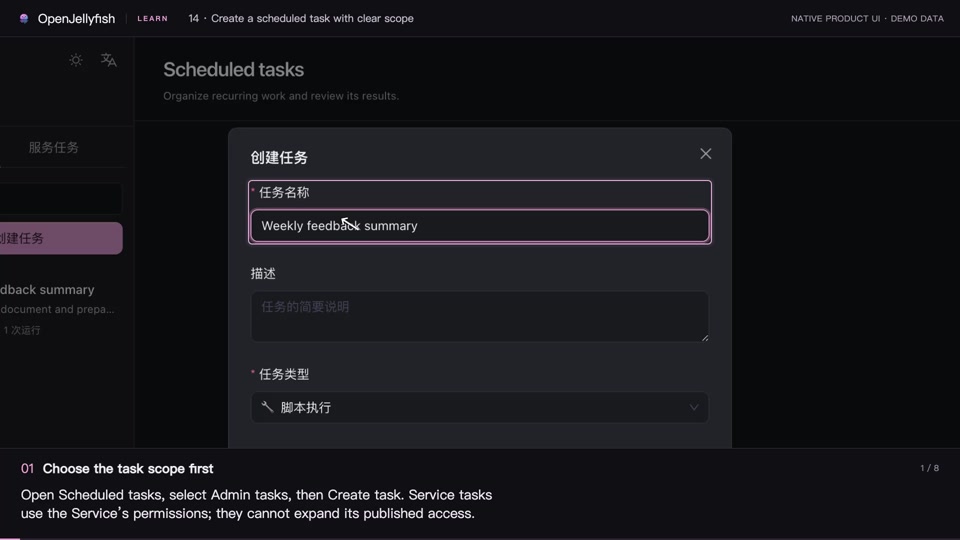 141:36
Operations and maintenance
Create a scheduled task with clear scope
Choose the task scope, schedule, and engine, then grant explicit input and output access.
Watch lesson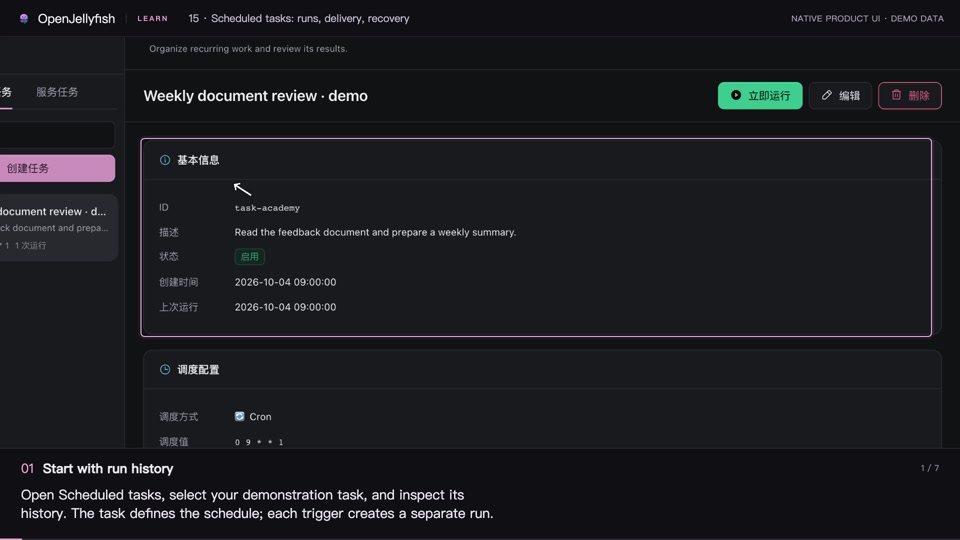 151:27
Operations and maintenance
Scheduled tasks: runs, delivery, recovery
Check whether a run completed, whether its result arrived, and how to review interrupted work.
Watch lesson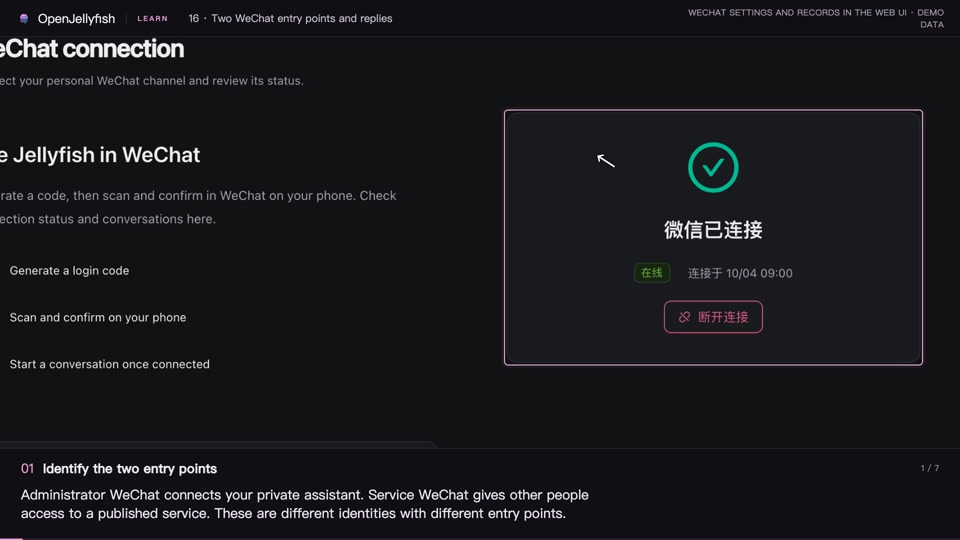 161:26
Operations and maintenance
Two WeChat entry points and replies
Connect the administrator assistant and a Service separately, then route replies using a feedback ID.
Watch lesson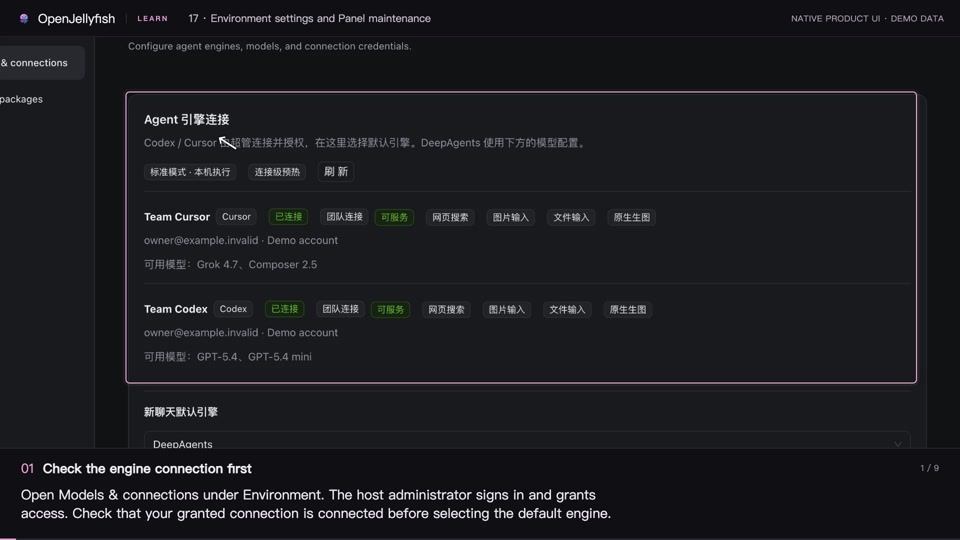 172:01
Operations and maintenance
Environment settings and Panel maintenance
Find engines, packages, language and style settings, understand automatic-approval limits, and distinguish status refresh from software updates.
Watch lesson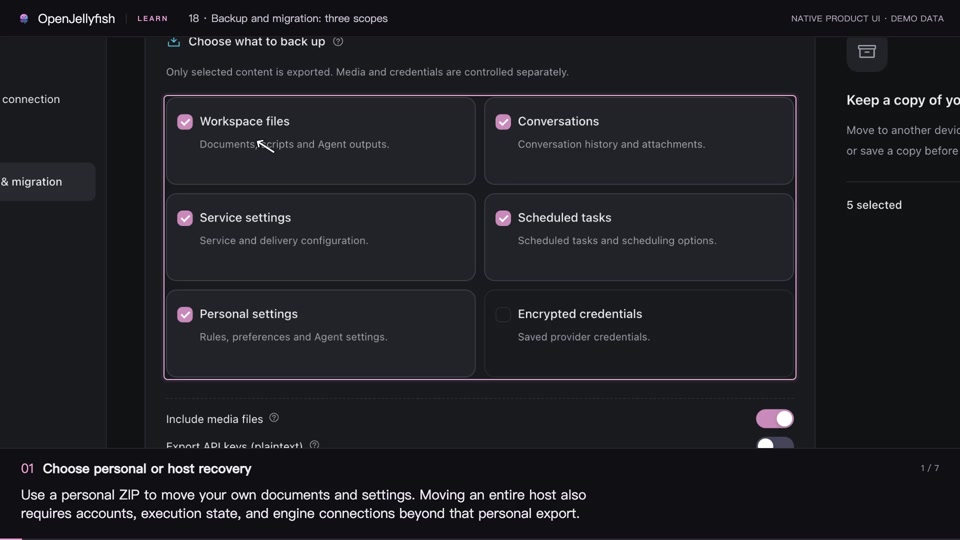 181:28
Operations and maintenance
Backup and migration: three scopes
Distinguish a personal ZIP, a Panel archive, and a complete host migration, then compare merge and overwrite recovery.
Watch lesson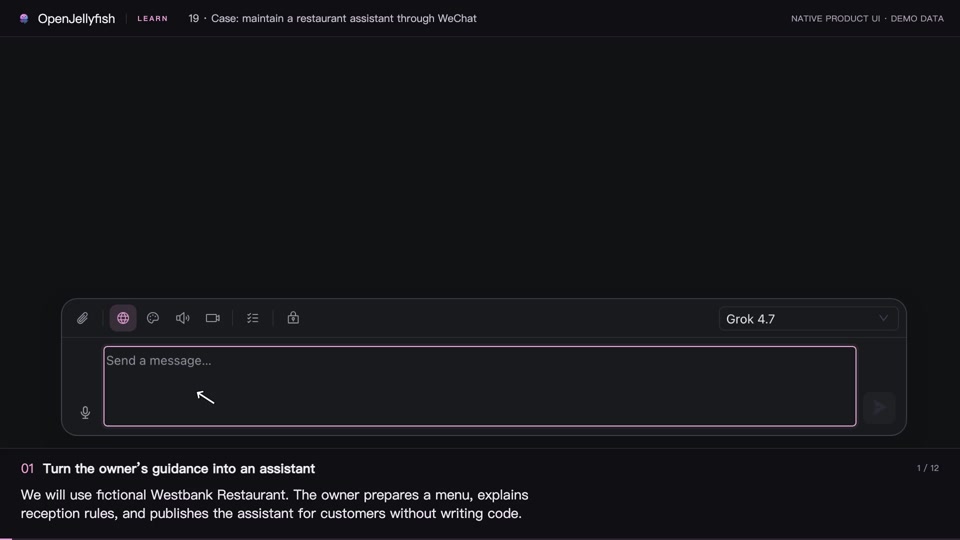 192:39
Complete walkthroughs
Case: maintain a restaurant assistant through WeChat
Publish a restaurant Service from its menu and reception rules, handle a special booking request, and update the menu through the owner’s WeChat.
Watch lesson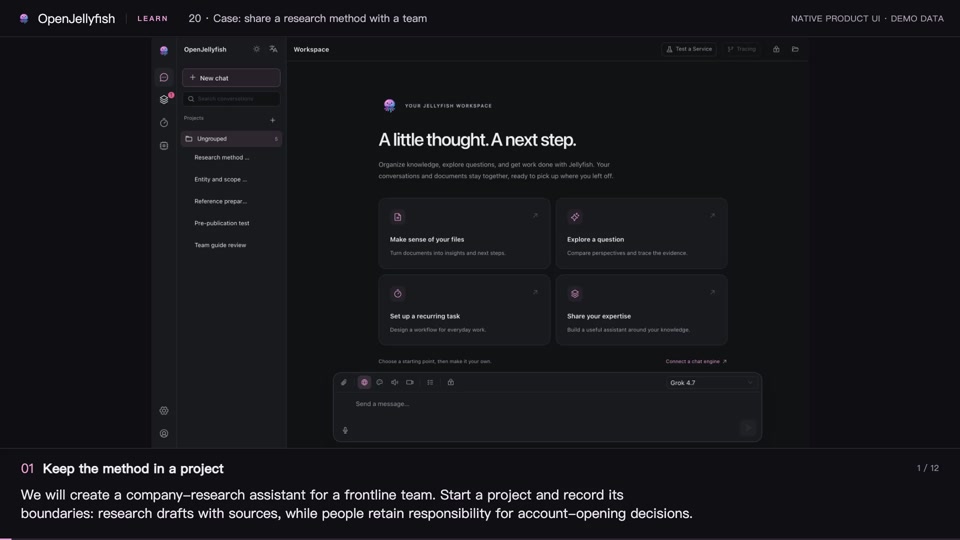 202:48
Complete walkthroughs
Case: share a research method with a team
Organize a method in a project, test its Service, inspect Tracing, and return team feedback for administrator-reviewed improvements.
Watch lessonNative interface demo based on v1.4.1 · Demo data
Lessons use original product components. Some controls may have moved in newer versions. Captions and music · No voice-over
Read the user guide ↗